Confirmed Version: v1.19.8
Overview
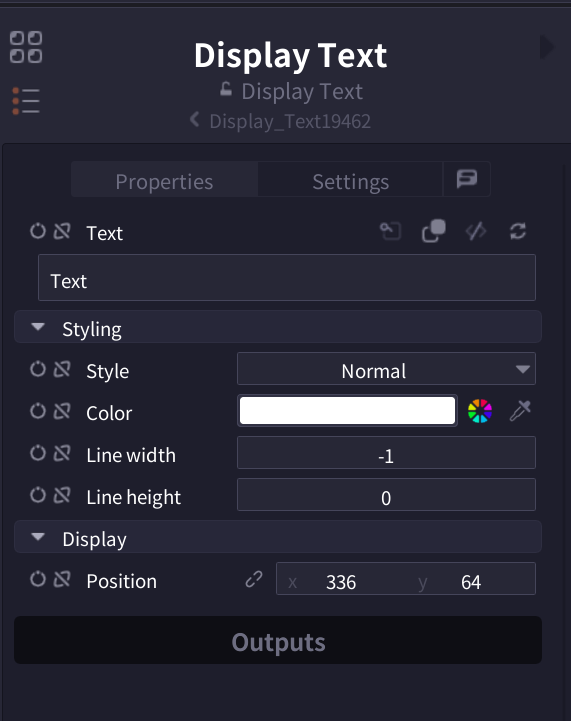
Display Text node is an annotation node for displaying text within the node graph. It doesn't affect the actual processing and is used to improve project readability, leave notes, and add comments.
Parameters
| Parameter | Description |
|---|---|
| Text | Text content to display. Supports multiple lines (Default: "Text") |
| Style | Display style (Header/Sub header/Normal) |
| Color | Text display color (Default: White #FFFFFF) |
| Line width | Text line width. -1 for auto-adjust (Default: -1) |
| Line height | Line spacing. 0 for standard (Default: 0) |
| Position | Display position on node graph (X, Y coordinates) |
Interface
Pro Tips
- Use color coding to visually distinguish importance or type (memo, warning, TODO, etc.)
- Setting Line width to -1 enables auto-adjustment, convenient for short text
- Use Header and Sub header styles for hierarchical information organization
- In team development, use for recording change history and assignee names
Related Nodes
- Frame: Group and organize nodes (Coming soon)
- Group: Combine multiple nodes into one group (Coming soon)